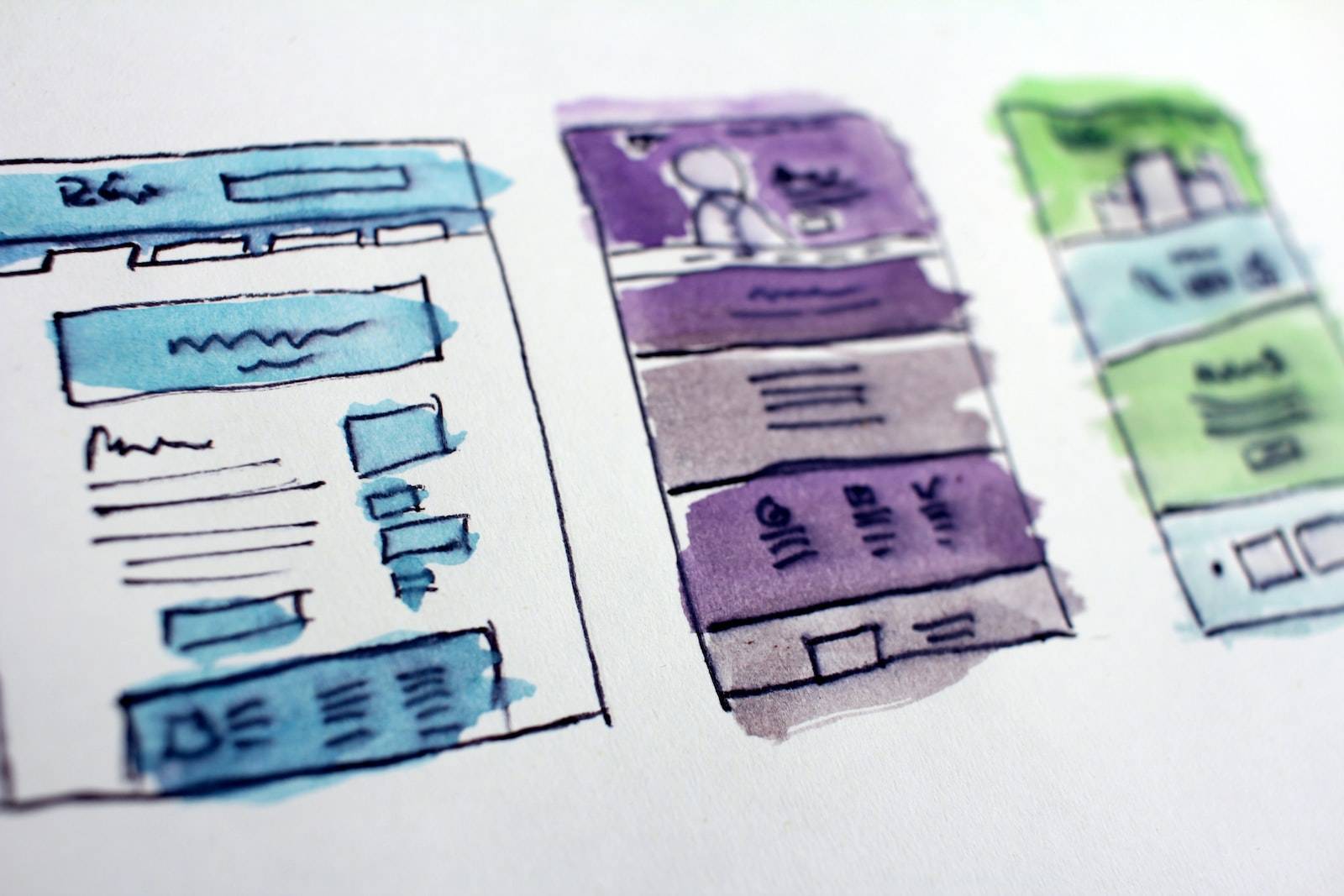
Colour is key to creating a sense of atmosphere and identity for your brand. It’s also one of the most common points of failure for most website owners. There are so many nuances involved in selecting the right colours and ensuring they work together harmoniously. Keeping your visitors engaged and focused on your content can be challenging. With so much to consider, you might end up overwhelmed by all the options. Fortunately, there are some practical tips that will help you identify the right colour scheme for your brand.
Learn about your audience’s colour preferences
As a brand, you are trying to establish a sense of atmosphere and identity. This is important as it helps your audience identify with your brand. However, you might find that one colour scheme works better for some audiences and not for others. If you want to make sure that all of your visitors are engaged and focused on your content, it’s important to know what colours work best for your audience. You can ask customers their favourite colours or use an online tool like Colourlovers to input the different shades of a colour and see what other brands they are using on their website.
Use one main accent colour
One of the simplest ways to ensure your website is visually stimulating and engaging is to use a single accent colour. A single, dominant colour will draw attention to features on your website. It also gives the site more depth, as it sets a focus for the eye from beginning to end. If you’re unsure which accent colour would work best for your brand, there are several tools that make choosing colours easier. Tools like Colourlovers offer a wide variety of options that can help you determine what colours work well together and what might not be so successful.
Be consistent with your brand’s tone and feel
As you search for the colours that will work best for your brand, consider first the tone and feel of your website’s design. For example, a minimalist website might have a black background and white text that stands out. A more modern site with a techno feel might have grey tones in its webpage design so it doesn’t clash with the colour scheme. Understand what kind of branding you want to project and choose colours accordingly. Next, go through your target market to see what colours they find most appealing. People are drawn to certain colours due to their association with happiness, relaxation, and serenity. You’ll be able to spot patterns in the colours that people typically like or avoid while surfing on their phones or laptops. Browse websites from your target market to get an idea of how they use colour – do they stick with one colour scheme or mix them up? Finally, consider whether your website needs a more vibrant or calm look. If you want users who are scrolling through your homepage to focus on important information, then opt for a calming look with soft pastel tones and muted shades of light browns and greys. On the other hand, if visitors are looking for something fun or exciting from your website then opt for something more vibrant with deep reds and orange hues – which can accentuate bright images more powerfully than dark ones!
Test various shades of the main accent colour
Take colour selection one step further by testing different shades of the main accent colour. This will help you determine what type of tone and feel your website should have. Now that you’ve established your main accent colour, you need to work on establishing your secondary colours. These colours will vary depending on how much contrast they will have with the main accent colour. In general, your secondary colours should be complementary to the main accent colour. Your third step is to choose a shade for the background colour. It should be dark enough that it contrasts with the second and third colours used in your design but not so dark that it becomes overwhelming or takes away from the focal point of attention in your site’s design. Lastly, you need to establish a shade for text colour. Your text colour should be light enough that it’s legible against the darker primary and secondary shades used in your design but not so light that it’s hard to read against darker backgrounds or lighter accents.
Don’t be afraid to use a little bit of grey or black
Your website might be a little bland with only one colour. For some, this is an attractive option because it helps set the tone of your site and creates a certain feeling. But if you want to create more interest, try using two colours that work well together. One example would be to use a neutral colour like grey or black on the background and then add pops of bright colours in your content. This option is popular for sites that are focused on content-based design. It’s also often seen as an effective way to bring balance between two different colour schemes. Another tip is to use contrasting colours when trying to make text stand out on your site. Let the text pop against its background by choosing a pure contrasting colour such as turquoise next to navy blue for example. And lastly, don’t worry about matching every detail of your website design with your branding guidelines. Sometimes it can feel like you’re trying too hard, which can have negative consequences for visitors and your brand identity.
Use a contrasting colour to attract users’ attention
One of the most common mistakes made by website owners is not doing enough research on what they want to achieve with their colour scheme. When it comes to colour, it is important to consider whether your site needs a striking visual impact, something that will grab your user’s attention. It’s also important to consider your demographic and whether you’re targeting a specific audience. Let’s say you’re designing a website for a bakery and you want to feature the rich colours of their baked goods. You could use orange or red as the primary colour, but these colours would be better suited for highlighting an area of the page or an object. If you wanted to draw more attention, using light blue or yellow might be better suited for attracting users’ eyes.
Summary
Colour is a big decision for any website owner. It’s important to take your time and consider the nuances of your brand’s personality before deciding on a colour scheme. To help you get started, here are five tips for choosing colours for your website:
- Consider how colours will impact your user experience
- Use colour psychology to influence readers’ reactions
- Keep things simple by sticking with fewer colours
- Use complementary colours that work well together
- Don’t forget about the whitespace around your text and images