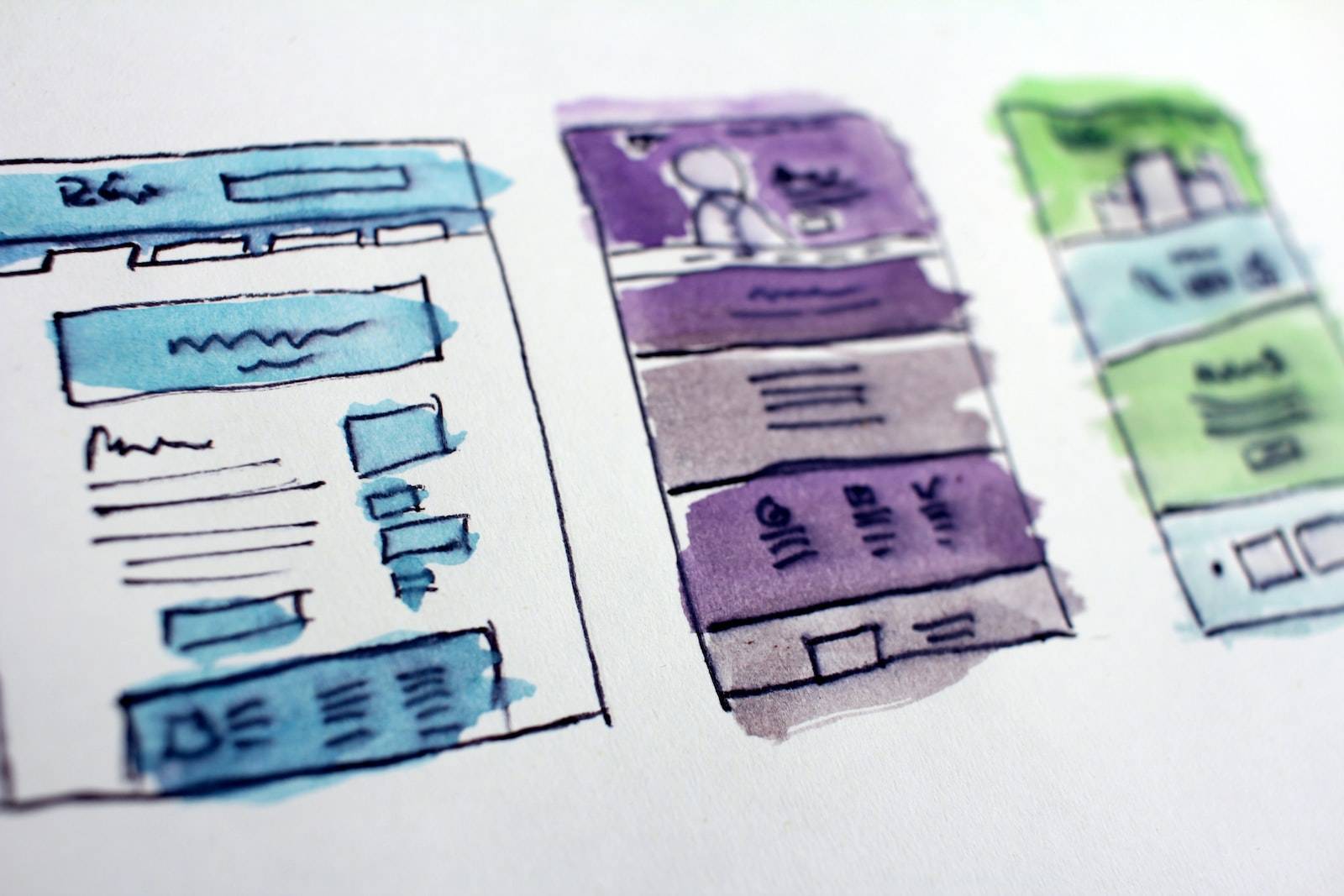
In today’s digital world, everything is visual. Images are used to represent and communicate ideas, concepts, brands, and more. The Internet is filled with images of all different shapes, sizes, and file formats. Web pages that don’t use images look bare and uninteresting. But what if an image was taken as much care over as a paragraph? How would your readers perceive the site if they saw it on a screen? Would they understand the message you wanted to convey? And how would they feel after seeing it?
Web design is visual in every sense of the word. It’s important to remember this when working on sites that will be viewed online because images are how users can quickly assess layout and design elements. Additionally, efficient use of images can cut the size of your files by up to 90%, which not only saves you bandwidth but also increases page load speed for visitors. If you aren’t already using compression in your designs, consider adding it today to optimize your site for user experience (UX) from the very first impression.
What is image compression?
Image compression is the process of reducing the size of an image file without significantly altering its visual quality. This allows you to save on bandwidth and time by reducing your site’s load time without sacrificing image quality.
For example, one way to reduce the size of an image would be to shrink it down to a lower resolution. Shrinking down your images may result in a loss of visual quality but also decreases the amount of data required for your website, which means faster loading times for your viewers.
Why is image compression important for Web design?
Image compression is important for Web design because it can help your site load faster. If you’re using images on your website, you want to make sure that each image loads quickly. This will increase the UX of your site, which will give visitors a better experience and improve conversion rates. This also means that you’ll spend less money on advertising and have less bandwidth to work with, which means lowered costs to the business. Other benefits of optimizing images include:
- Lower file sizes
- Improved user experience
- Increased user engagement
How to implement image compression in Web design
Image compression can be implemented in several ways, but the most effective method is to combine the use of a multipage image with CSS background images. The process starts by embedding your image into the HTML by declaring an
Which tools can help you with image compression?
There are a number of tools available to help you compress your images. If you’re using Photoshop or another Adobe product, you have the ability to use a function called “Compress Image.” This is a tool that helps reduce the file size without losing quality. Additionally, if you are using another image editor, like Gimp or Adobe Fireworks, then look for ways to add an option for compression. You can also find sites online with free tools like Picasa and TinyPNG that will compress your images without any additional effort on your part.
In addition to these tools, there are also plugins available for specific browsers and programs that might be able to help with image compression as well. There are even browser extensions like Progressive JPEGs that automatically optimize images so they load quickly when users visit your site.
When not to use image compression
There are times when not to use image compression. First, if your design has a lot of text content, such as body copy on product pages or blog posts, you’ll want to leave your images uncompressed so it doesn’t mess with the readability. Second, don’t use image compression for background images because this will muddle up the layout and make everything harder to read.
If your design isn’t using a lot of images or text, you can add image compression without impacting the user experience. Images that are compressed have less impact on a page layout because they’re smaller and saved in a higher-quality format. Additionally, text will be easier to read with graphic elements surrounding it. Image compression is also great for saving file size since high quality images take up more space than low quality ones. And finally, with an optimized site load speed, you’ll get better global rankings in search engines like Google and Facebook.
Final Words
Images are a crucial part of Web design, but they aren’t just decorative. Images play a vital role in conveying information to your readers and visitors. Without compression, images can take up a lot of space and slow down page load times for consumers. Compression is a must-have tool in your arsenal when designing websites so that you can create an experience that is both visually appealing and user-friendly.